
A dashboard that only tells you a number is a smoke alarm with no exit. You learn that something is wrong, then open three other tools to find out who, and a fourth to do something about it.
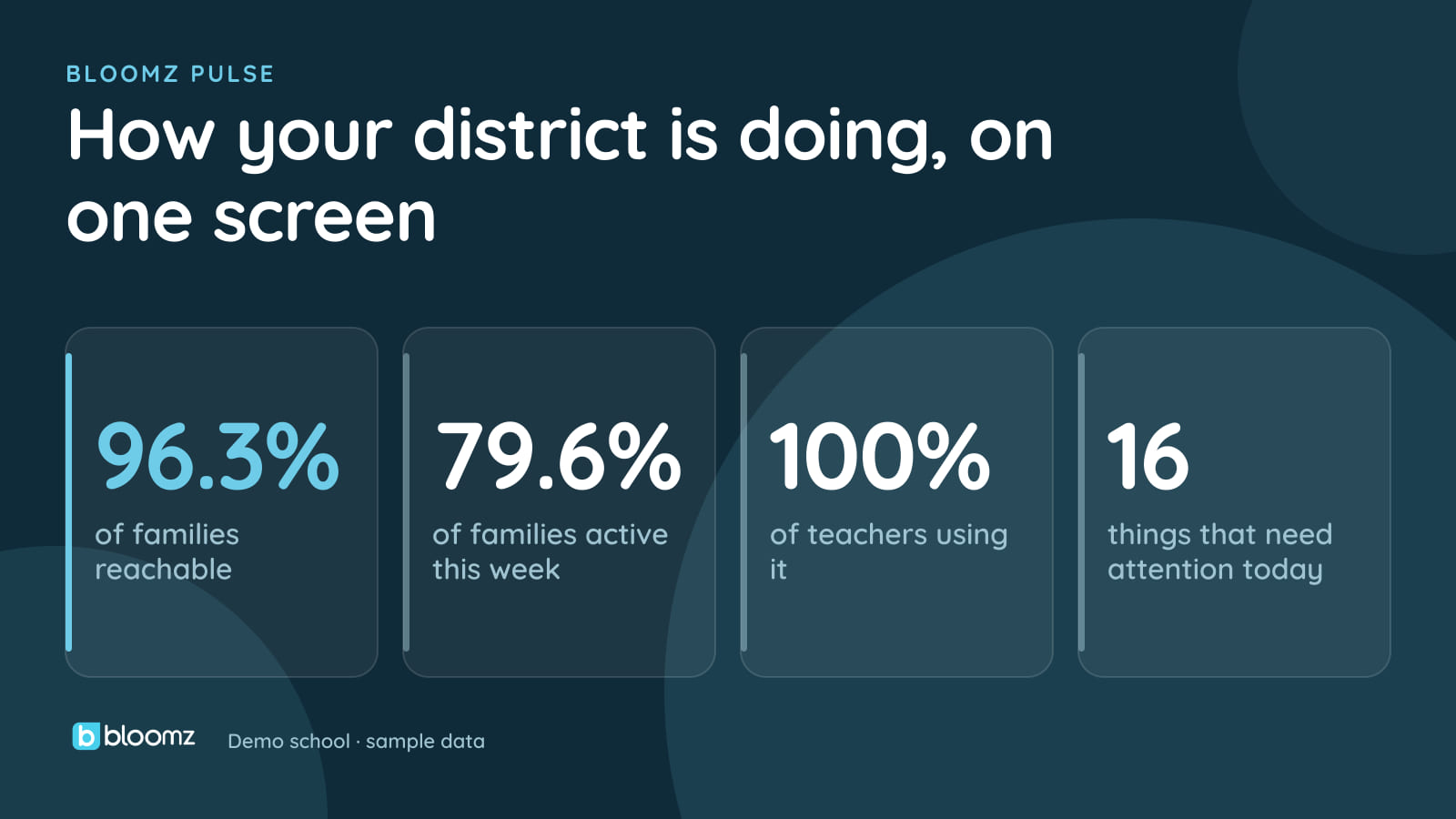
Bloomz Pulse is built the other way around. It is the Insights & Analytics layer of Bloomz, the one dashboard for school and district leaders, and it follows one rule: every number is a door. Click a tile or a point on a chart and you land on the records behind it, searchable, sortable and exportable to CSV.
Here is how that works day to day, what is available now, and what is rolling out next.
One dashboard, one place to look
The old Reports tab is gone. Each report now lives inside its lens, so the attendance report is in the Attendance lens and the Family Voice results are in Family Voice. Oversight sits in the same Dashboard menu, and so does Walk the Halls for district admins on Bloomz 360, so leaders open one place instead of hunting through three.
Every lens follows the same grammar: State (where things stand), Trend (which way they are moving), Attention (what needs a person) and Action (what to do about it). Once you have read one lens you can read them all.
Pick any date range. Bloomz can backfill recent history for many lenses on request, so a new district does not have to start from a flat line. Teachers get the report sections for their own class. A district sees the sum of its schools, and each school’s lens appears only when that module is turned on for the school. Pulse reads what Bloomz already knows; it does not ask for a second data entry job.
The lenses run from Attendance, Engagement and Conferences to Houses, Hall Pass, Dismissal, Library, Thrive, Parent Reach, Family Voice, Deliverability, Safety Tips, Payments, Volunteers, SEL Check-Ins and more. See the full set on the Insights & Analytics page.
Act from the list
The part that changes the workday is what happens after you open a door. From the list of records you can:
- Message this row, or message all N. Families get the message in their language.
- Assign a follow-up with an owner and a due date. A reminder goes out on the due morning and again if it goes overdue.
- Schedule an email report daily, weekly or monthly. Recipients are staff only, and each send re-checks who is allowed to receive it.
- Get critical attention items from the overnight scan pushed to the admins who own them, capped so nobody is flooded.
So “attendance is slipping in grade 7” becomes a short list, a message to those families and a named owner with a due date, without leaving the page.
Reach equity: who are you not reaching?
A message that never arrives is the most expensive kind. Pulse shows students with no reachable family, grouped by reason: no guardian on file, guardians who never joined, all guardians opted out, all bounced, or no channel at all. Each reason has a different fix, so the grouping tells you which one to run.
It also shows reach by home language, with read rate and the number of translated sends. And a contactability benchmark compares your school with anonymous peer cohorts of similar enrollment. You see percentiles only, never another customer’s numbers, and a cohort under 10 gets no benchmark at all.
Family Voice
Family Pulse surveys feed a Family Voice lens with NPS and response rate. NPS for any group under 5 responses is blanked so nobody can be identified from a sliced result.
For leadership
- Goals with on-track tracking. District goals cascade to schools.
- School comparison and year over year views.
- A weekly Brief email (in English). It contains aggregates only, no names, and has a one-click unsubscribe.
- A monthly board report PDF. It sets month-end against your goals, last month and last year, with 12-month trends and a school comparison. It contains aggregates and school names only.
- An AI narrative written only from the numbers on screen. If the output cannot be grounded in them, it is discarded and a plain template is used instead.
- Ask Pulse. Ask a question in plain English, such as “what’s our attendance rate this month?”, and get one number back, or the report that answers it. It never opens a report the person asking could not already open, and it follows your district’s AI settings. Learn more about Bloomz AI.
Rolling out now
The final rollout is under way. These are deeper tiles and tools inside the lenses above, so treat them as coming to Pulse next rather than something to expect on your dashboard today:
- Richer Engagement, Deliverability and Conferences tiles, and Rollout renamed Adoption
- Safety Tips tiles for priority, response-time targets and time to first response
- Volunteers tiles, and a Teachers view of who carries communication and who may need support
- Search across every lens, plus follow-up reminders in the bell and a morning email digest
- Data Health sync age per school
- A new IEP lens and deeper Tutoring and Library tiles, with small-count masking at the district level
- Deeper Thrive, SEL, Health and Clinic views
- Hall Pass detail (late returns, minutes out of class, frequent passes) and Dismissal detail (late pickups, waits, overrides, repeat early pickups, plans on file)
- Office referrals and a whole-student view
- Payments aging in 30, 60 and 90-day buckets
What it costs
Pulse is included with Bloomz Premium and up. It is not a separate analytics add-on. On lower plans, the report sections stay available without the trends, alerts and AI. Walk the Halls is part of Bloomz 360, and role templates are part of Bloomz Complete. Many vendors sell “Intelligence” as an extra line item; we think the numbers about your own school belong in the product you already use.
Where to start
Open the lens for the module your school uses most, click the number that worries you, and follow it to the list. If you are a district leader, see Pulse on the Insights & Analytics page or ask your success manager what Pulse shows for your schools. For the full list of what shipped this year, see what’s new in 2026.